
Physics Systems That Actually Work
Building realistic physics without breaking performance. We’ll cover colliders, forces, and optimization techniques.
Read ArticleWe’ll walk through creating smooth, responsive player controls that feel natural. Covers input detection, velocity, and collision handling.
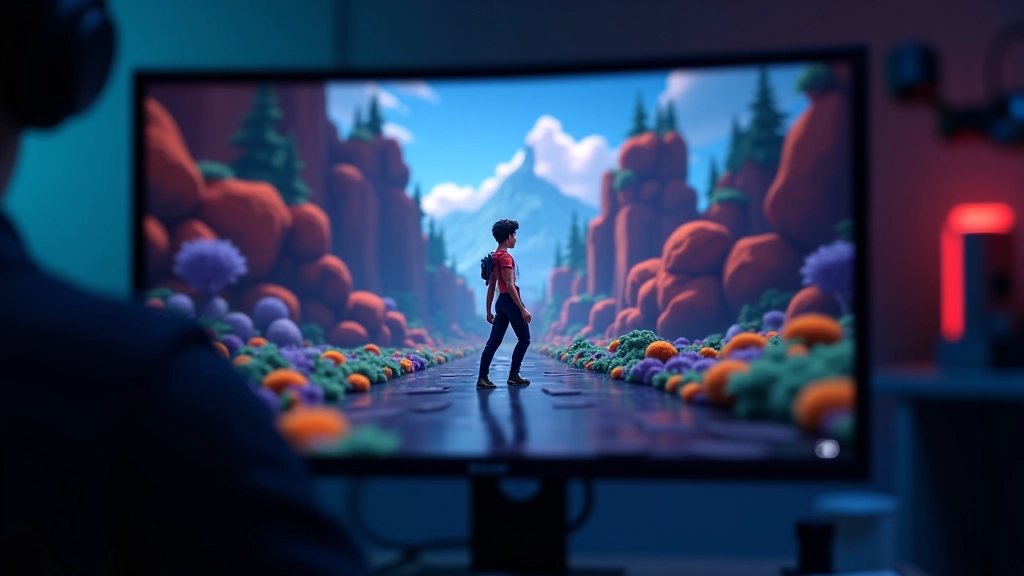
Player movement is the foundation of any game. It’s what your player does most often, and it’s the first thing they’ll notice if it feels wrong. Sluggish input, floaty physics, or janky animations will kill your game’s feel faster than almost anything else.
The good news? Getting it right isn’t as complicated as it sounds. You don’t need advanced physics knowledge or fancy animation systems. We’re going to build movement that feels responsive, looks natural, and handles collisions properly. It’s all about understanding a few core concepts and implementing them correctly.
Every movement script starts the same way: reading what the player wants to do. You’re listening for keyboard presses, checking gamepad inputs, and converting that raw data into a direction vector.
Here’s the thing—most beginners overcomplicate this. You don’t need a massive input manager system. Start simple with Unity’s Input Manager. Check for horizontal and vertical input every frame, store it as a direction, and use that direction to move your character.
The standard approach: create a `Vector2 moveInput` that updates each frame based on GetAxis calls. This gives you a value between -1 and 1 for each direction. That’s your foundation. Everything else builds on this.
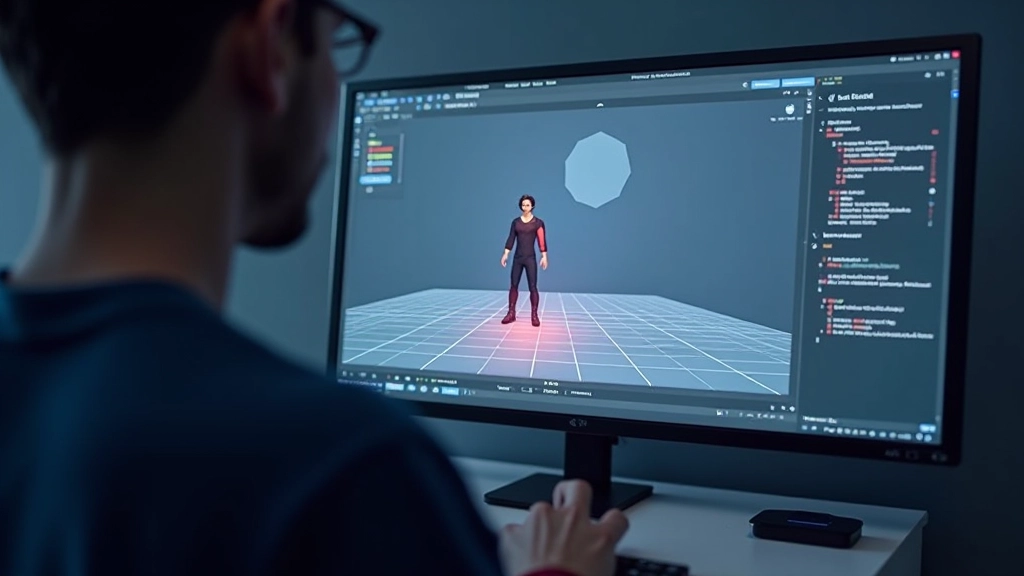
Once you’ve got your input direction, you need to translate that into actual movement. This is where velocity comes in. Instead of directly moving your character based on input, you calculate a velocity based on the input, then apply that velocity each frame.
Why velocity instead of direct movement? Because it gives you control. You can accelerate smoothly, decelerate, apply friction, and handle physics interactions. It’s the difference between a character that teleports around and one that actually moves through space.
Use `deltaTime` for everything. Multiply your speed by Time.deltaTime so movement is consistent regardless of frame rate. Your character should move the same distance whether the game runs at 60 FPS or 120 FPS.
Jumping is where most beginners struggle. You need to know if your character is touching the ground. This isn’t as obvious as it sounds, especially with frame-based physics.
The most reliable approach is a raycast. Cast a ray downward from your character’s position. If it hits something, you’re on the ground. Keep it simple: one raycast per frame, a small distance (maybe 0.1 units), and you’re done. No complex overlap checks needed.
For jumping, apply an upward impulse to your velocity when the player presses jump AND they’re on the ground. That’s it. Apply gravity every frame, reduce the upward velocity, and your character will naturally fall. No special jump handling required—just gravity doing its job.
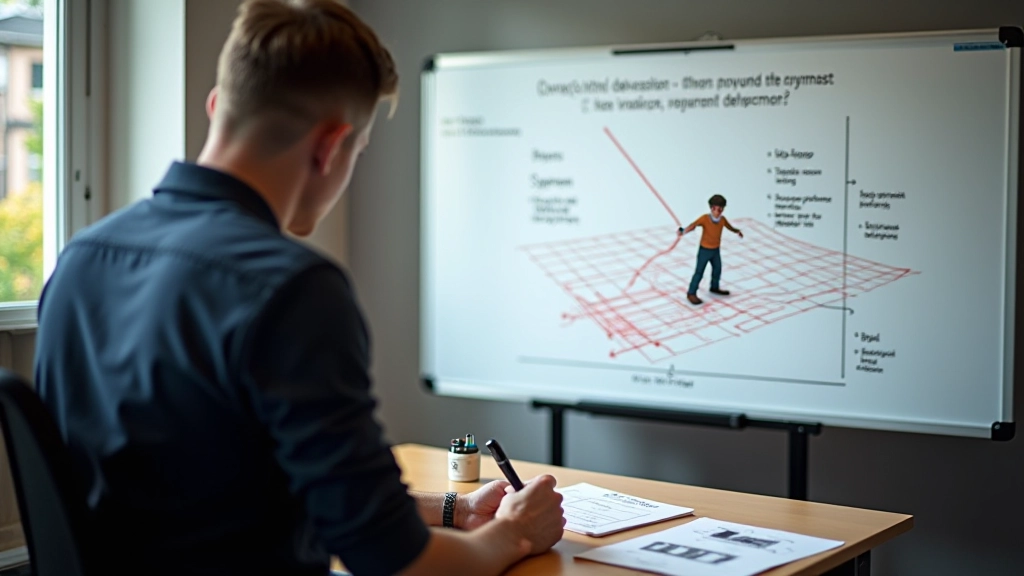

Here’s a secret: you don’t need Unity’s rigidbody component for basic movement. Many games use character controllers or custom movement systems instead. It’s actually faster and gives you more control.
Use raycasts or capsule casts before you move. Check if your character would collide with something at their new position. If yes, stop the movement in that direction. It’s predictable, you understand exactly what’s happening, and you can customize collision behavior easily.
Cast multiple rays—one forward, one to each side, maybe one upward to detect ceilings. The more rays you cast, the better your collision detection, but keep it reasonable. Most games use 3-5 raycasts per frame and it’s perfectly fine.
Good player movement comes down to four things: reading input correctly, applying velocity with deltaTime, detecting the ground, and handling collisions before they happen. None of these are particularly complex individually, but together they create something that feels responsive and natural.
Start with the basics. Get horizontal movement working first. Add jumping once that feels good. Then handle collisions. Test it constantly, tweak the speed and acceleration values until it feels right. Movement is subjective—what feels good to one person might feel sluggish to another. Trust your instincts.
You don’t need to ship a AAA game to get movement right. Spend time on it. A character that moves well is a character people want to control, and that’s the foundation of every great game.

This article is provided for educational purposes to help you understand game programming concepts and movement implementation techniques. Code examples and approaches may vary based on your specific game engine version, project requirements, and target platform. Always test thoroughly in your own project context. For advanced physics or specialized movement systems, consult official Unity documentation or professional game development resources.