
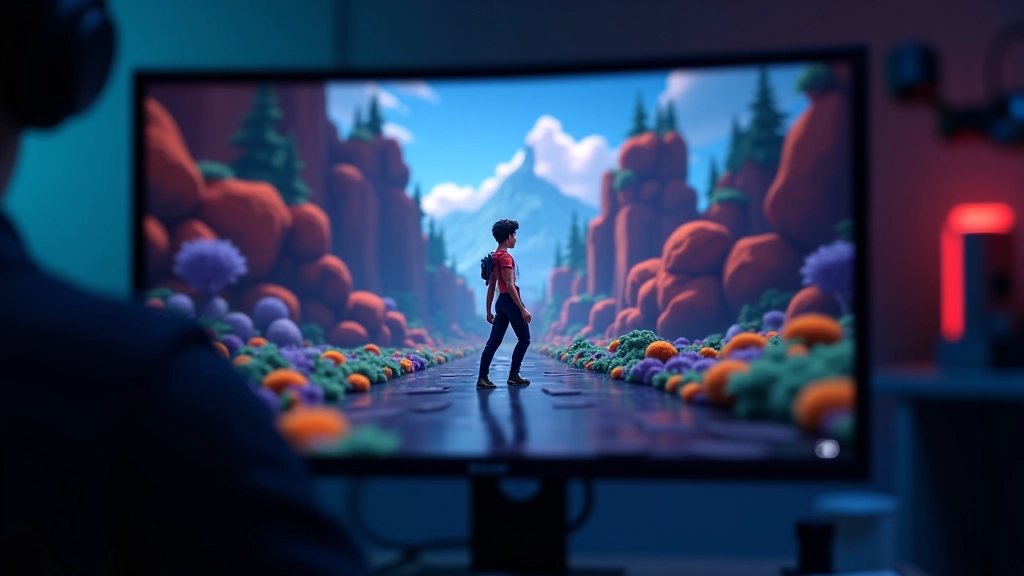
Getting Started with Player Movement Scripts
We’ll walk through creating smooth, responsive player controls that feel natural. Covers input detection, velocity, and collision handling.
Read MoreLearn how to build interactive games with industry-standard tools. We’re covering everything from basic game mechanics to advanced systems that make games feel alive.
This category explores the fundamentals and techniques you’ll need to develop games in Unity. Whether you’re just starting out or diving into more complex systems, you’ll find practical guides and real-world examples here.
Practical tutorials and guides to level up your game development skills
We’ll walk through creating smooth, responsive player controls that feel natural. Covers input detection, velocity, and collision handling.
Read More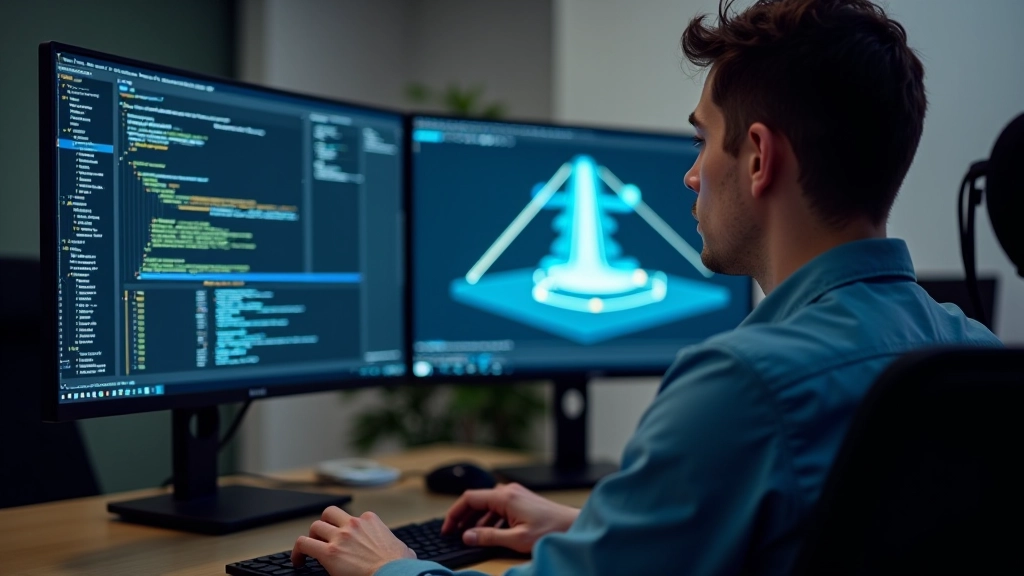
Building realistic physics without breaking performance. We’ll cover colliders, rigidbodies, and optimization tricks that keep your game running smooth.
Read More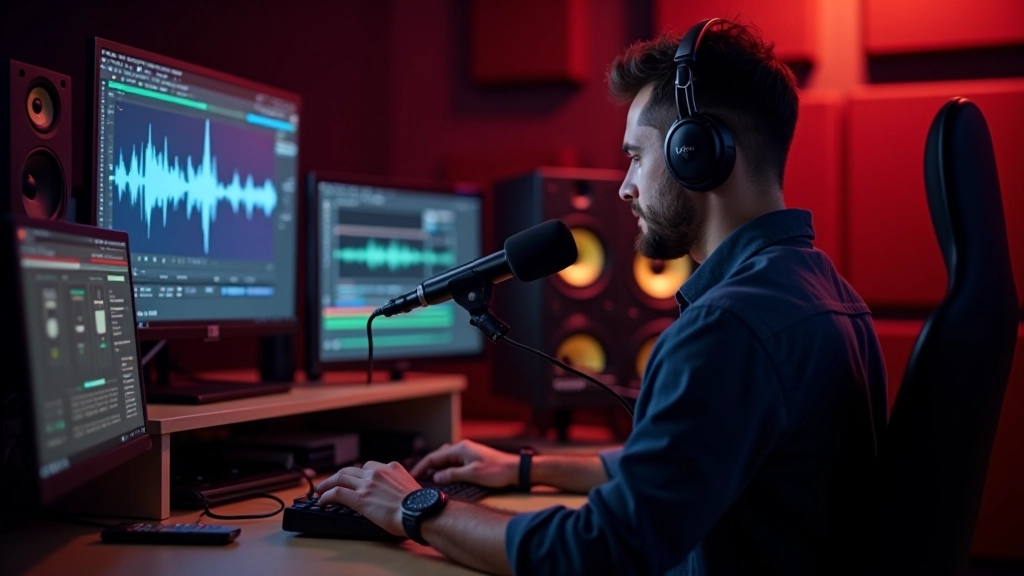
Sound makes or breaks immersion. Learn how to implement audio clips, manage volume, and create dynamic sound effects that respond to gameplay.
Read More
Menu systems, HUDs, and dialogue boxes aren’t just functional—they’re part of your game’s identity. We’ll show you how to build interfaces that work and look good.
Read More